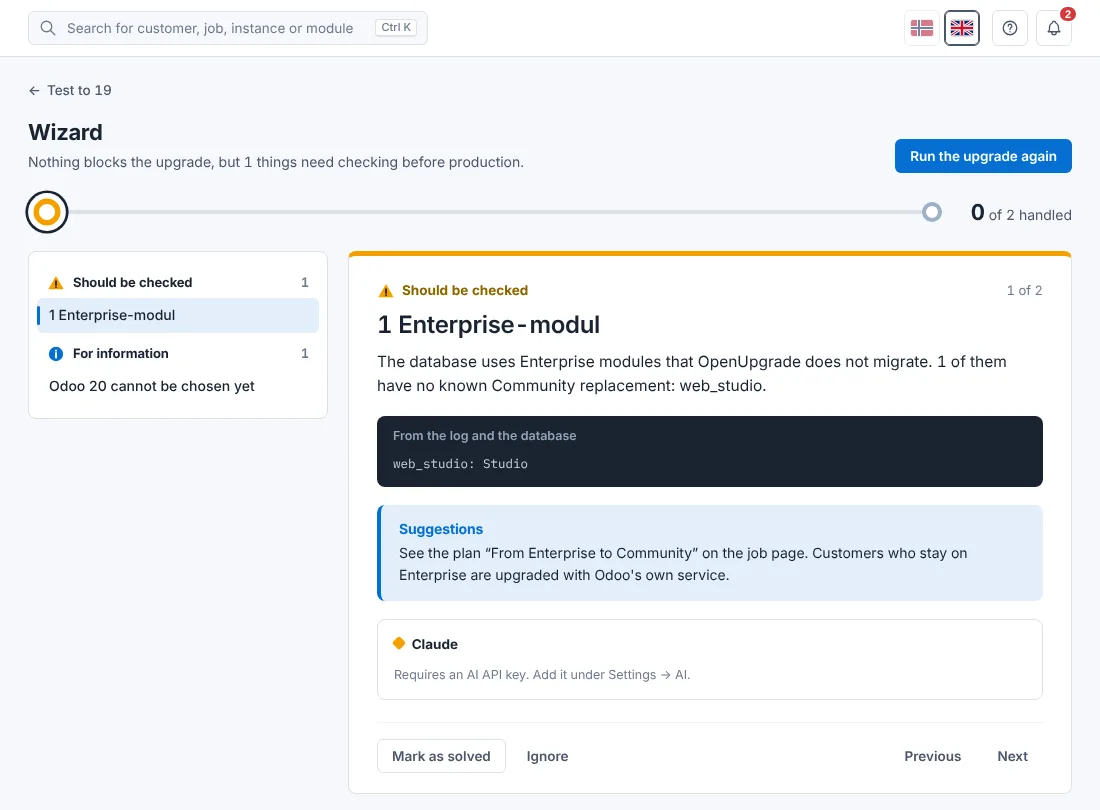
The wizard goes through everything the panel has found in the log and the database:
- Stops: must be solved before the upgrade can be completed.
- Should be checked: look at it before production.
- For information: good to know, for example records that have been cleaned away.
Each finding has an explanation and often a button that fixes it in the copy. With Claude turned on, you can ask about the finding, and Claude can suggest actions that you approve. Approved actions are included in the recipe for production. Mark the finding as resolved or ignored, and run the upgrade again.