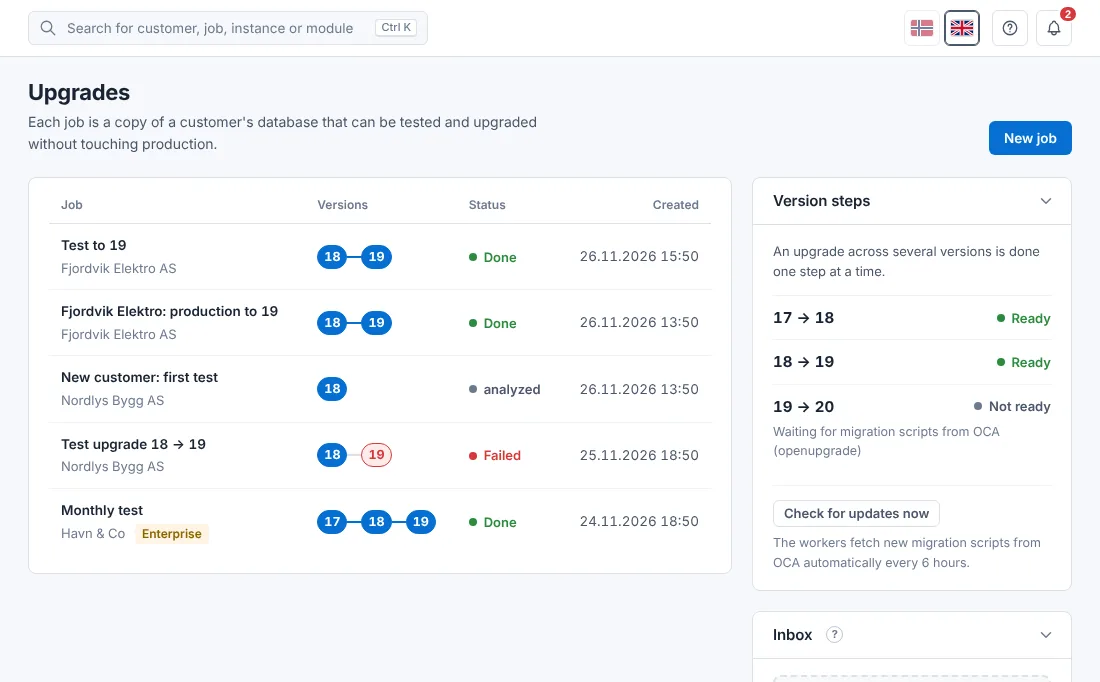
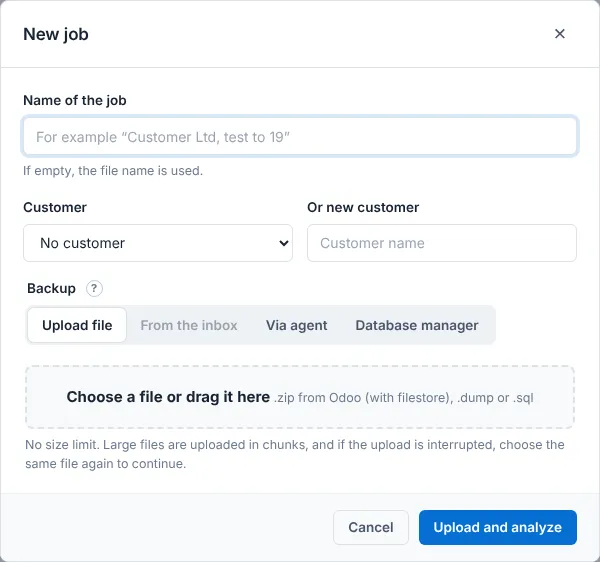
Go to Jobs and press New job. Choose how the backup is fetched:
- Upload file: a .zip from Odoo (with filestore), .dump or .sql. There is no size limit: large files are sent in pieces and assembled on the server. If the upload is interrupted, you choose the same file again, and it continues where it stopped.
- From the inbox: files you have put there beforehand. See Large backups and the inbox.
- Via agent: fetch straight from the customer's Odoo without a master password. See The agent.
- Database manager: with address, database name and master password, if the customer has it turned on.
The panel restores the copy, switches off e-mail, scheduled actions and payments in it, and analyzes the modules.