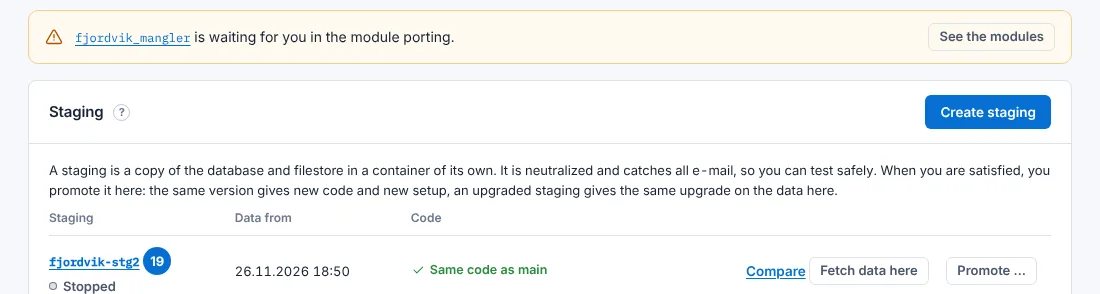
A staging is a copy of the database and filestore in a container of its own. It is neutralized (e-mail caught, scheduled actions off), so you can test safely. When you work in a staging, you see a purple stripe at the top.
At the top of main the stagings appear as purple cards, whichever tab you are on. Each card shows whether the staging is running, how fresh the data is and whether the code equals main, with buttons to open, log in, fetch data and promote. New staging is there too.
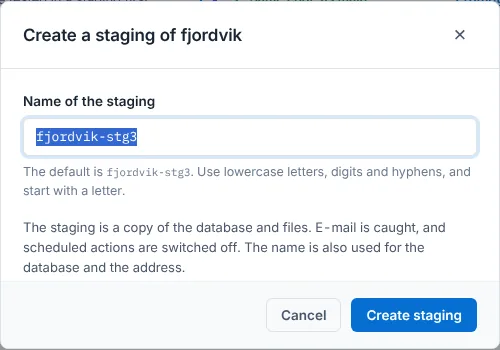
Press Create staging on the Staging tab. The default name (for example customer-stg2) is already filled in, so you can create it right away, or write a name of your own, like customer-test-jul. The panel tells you right away if the name is taken or invalid.
The staging gets exactly the same code as main: the repos at the same commits main runs, the modules uploaded to main, and the same Odoo configuration (workers, server_wide_modules and the like). The e-mail settings follow the staging's own e-mail mode.
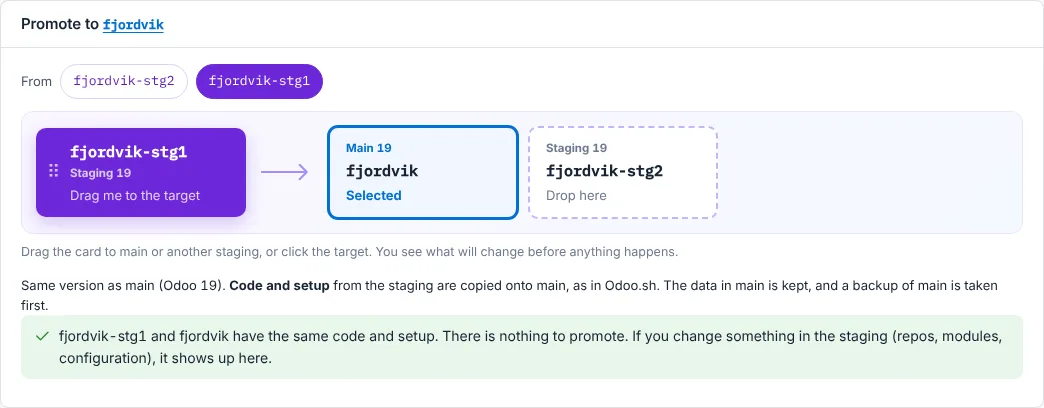
Promote to another staging. “Promote …” lets you choose a target: main, or another staging under the same main. To another staging only code and setup are moved (repos, uploaded modules, modules to install, configuration); the data in the target is kept, and a backup of it is taken first. It only works between stagings on the same Odoo version. Data is always fetched from main.
Switch between main and the stagings. If an instance has stagings, main and all the stagings are shown as cards at the top of the page, with status, version and whether the code equals main. On main the cards also have buttons to log in, fetch data and promote. On a staging the cards are smaller, and “You are here” shows where you are. Click a card to switch; you stay in the same tab, for example Apps and addons.