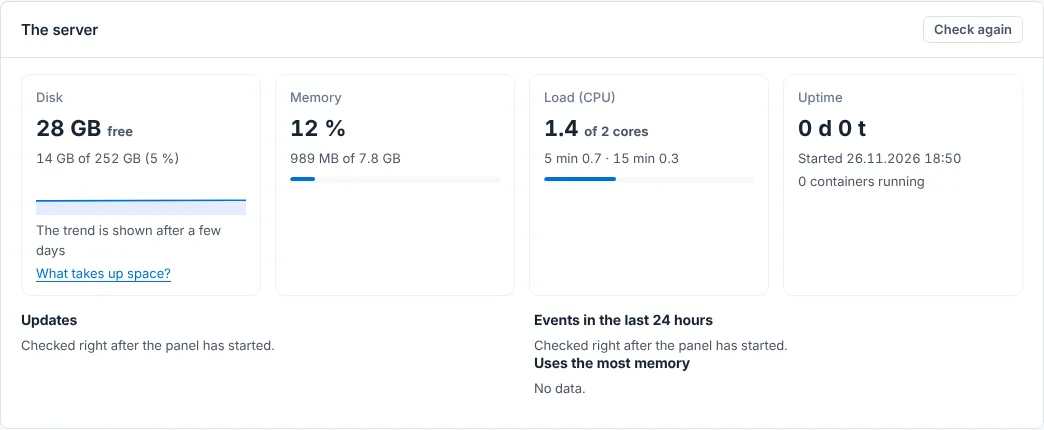
At the top of System status you see the server the panel runs on: free disk with the trend over the last 30 days and an estimate of when it will be full, memory, load and uptime, and which containers use the most memory. Updates shows how many packages can be updated (and how many are security updates), whether the server must be restarted, and when the automatic updates last ran. Events shows containers that have crashed or run out of memory in the last 24 hours. Full disk, security updates and restart are also shown in the bell at the top.