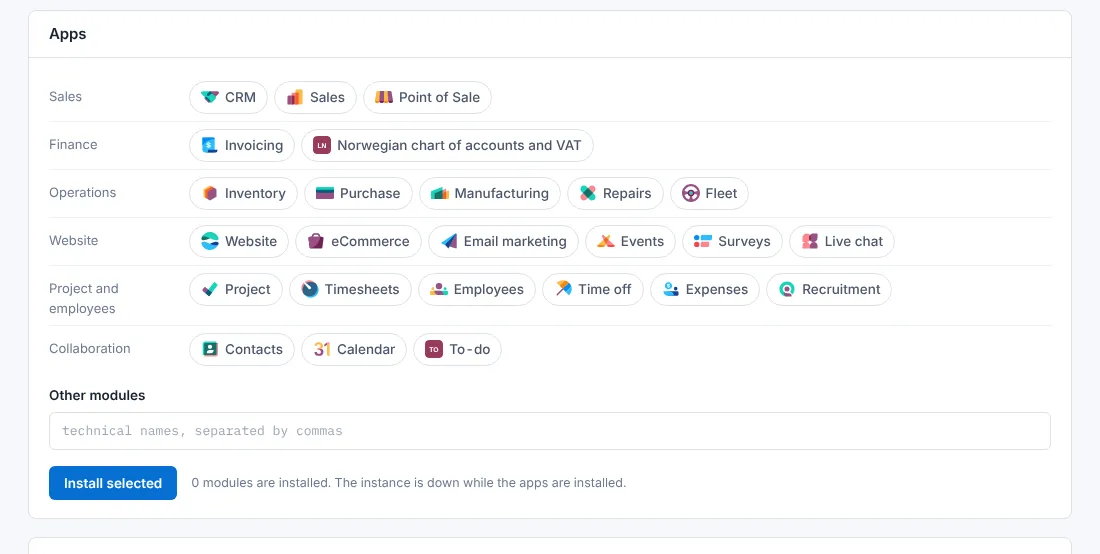
Tick apps and press Install selected. You add git repos under “Addons from Git” (one per line, optionally with a branch). Python packages in requirements.txt are installed by themselves.
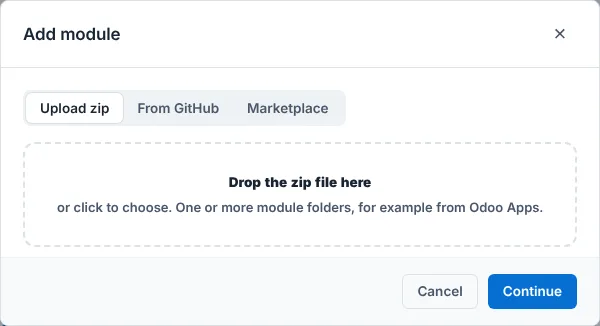
Own modules shows the modules you have uploaded and the portings for the instance, one line per module with version, status and the next thing you should do: “Continue the porting”, “Put into use”, “Port to Odoo …” or “Report error”. Under ⋯ you can open the porting, download as zip, upload a new version and remove the module. Add module opens a dialog where you drop a zip, from GitHub or from the marketplace. The version in the zip file is checked right away, and if the module is made for an older Odoo, you choose whether it should be ported first (recommended) or installed as it is.
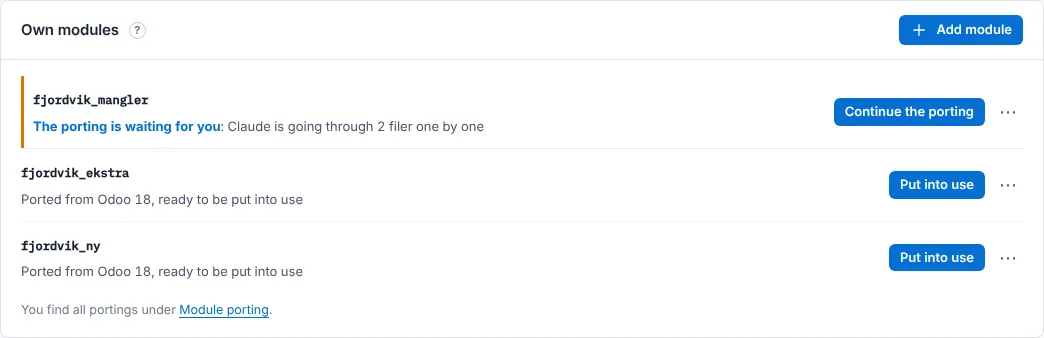
If an uploaded module is made for an older version, for example after a staging has been upgraded from 19 to 20, it is marked “Made for Odoo 19”, and a banner at the top of the instance says so. The same goes for portings waiting for you. The Apps and addons tab shows the count.