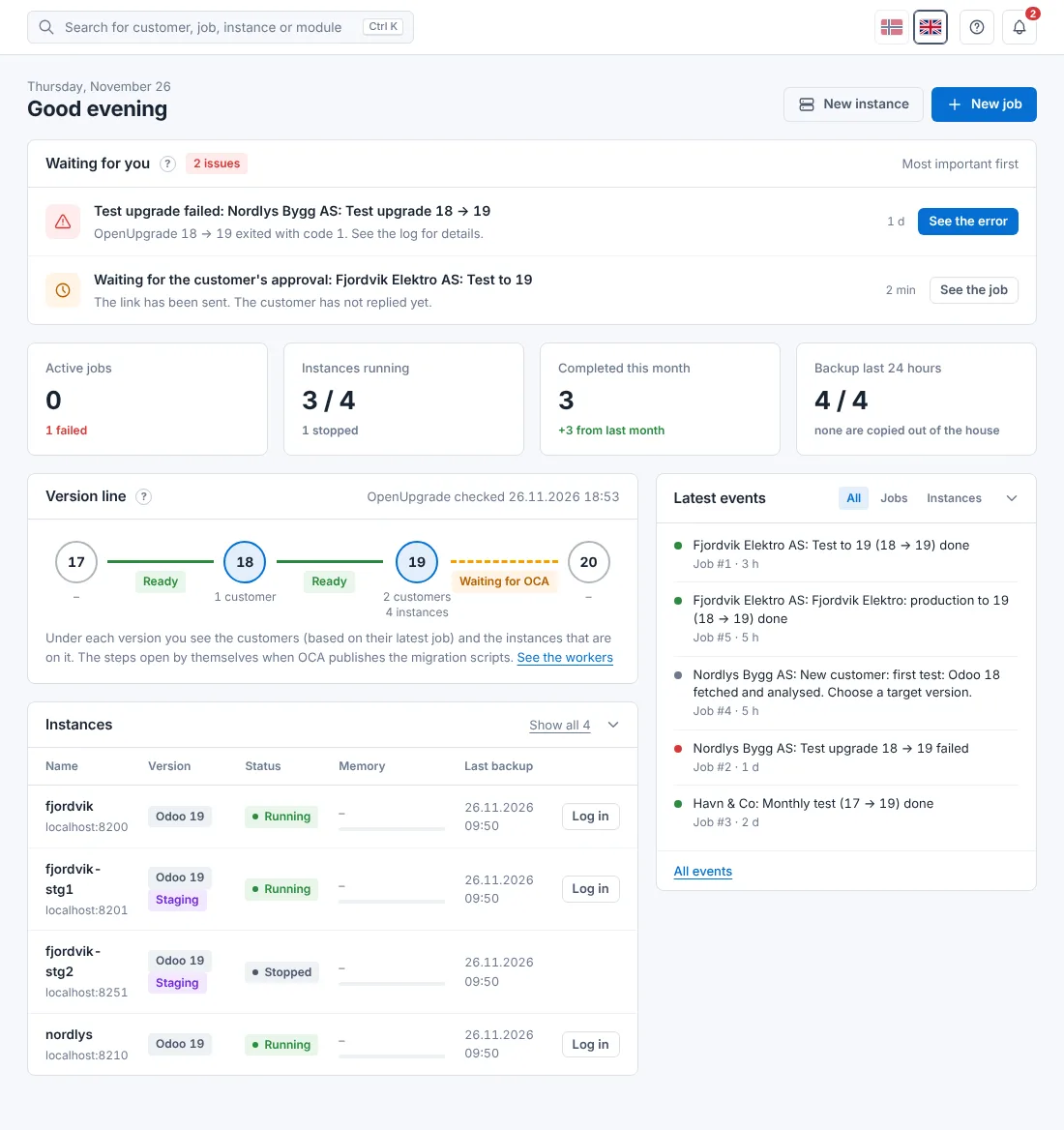
- Waiting for you: errors, customers who have replied, jobs that are ready for the next step and backups that are late. The button on the row takes you straight there. An item disappears when it is resolved.
- Key figures: active jobs, instances that are running, upgrades completed this month and backups in the last 24 hours. Click to go further.
- The version line: which versions your customers and instances are on, and whether the jump to the next version is ready. “Waiting for OCA” means OpenUpgrade does not have migration scripts for the version yet; the jump opens by itself when they arrive.
- Latest events and Instances with memory use and login.