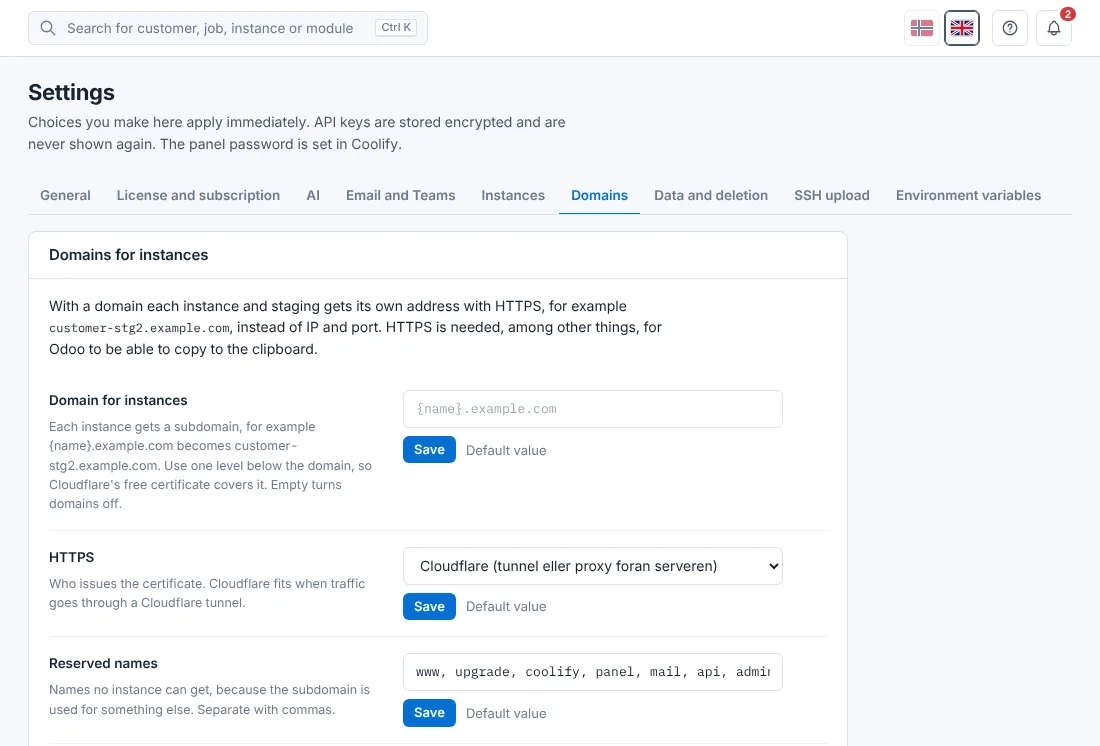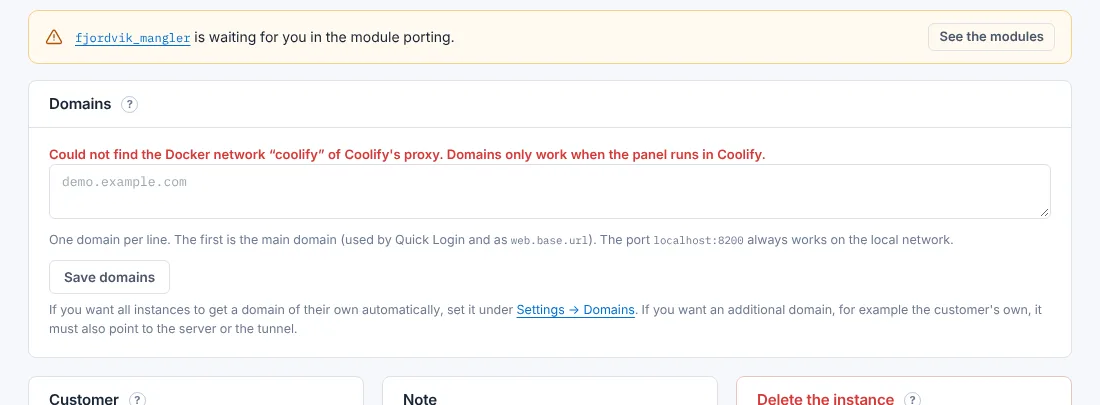
Under Settings → Domains you set the domain all instances get, for example {name}.example.com. Then each instance and staging gets its own address with HTTPS. The page has instructions for the Cloudflare tunnel (one wildcard hostname, once), “Check the domain”, and “Apply to all” for instances that are already running. Blocked names (such as upgrade and coolify) cannot be used on instances. On the instance you can also write own domains, one per line; the first is the main domain. Delete the instance removes container, database, filestore and all backups: type the name to confirm.