ITILITIUpgrade Panel
Guide/An upgrade from start to finish

The customer's approval

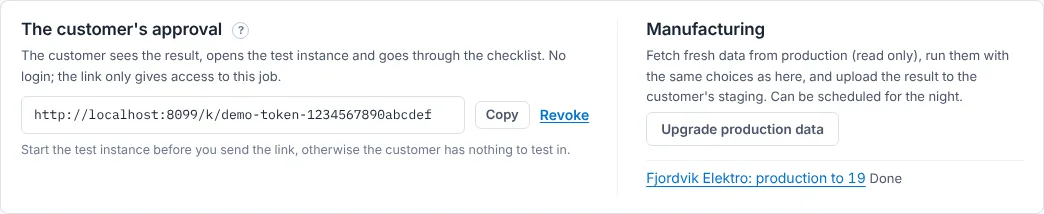
Customer link and production on the job page.
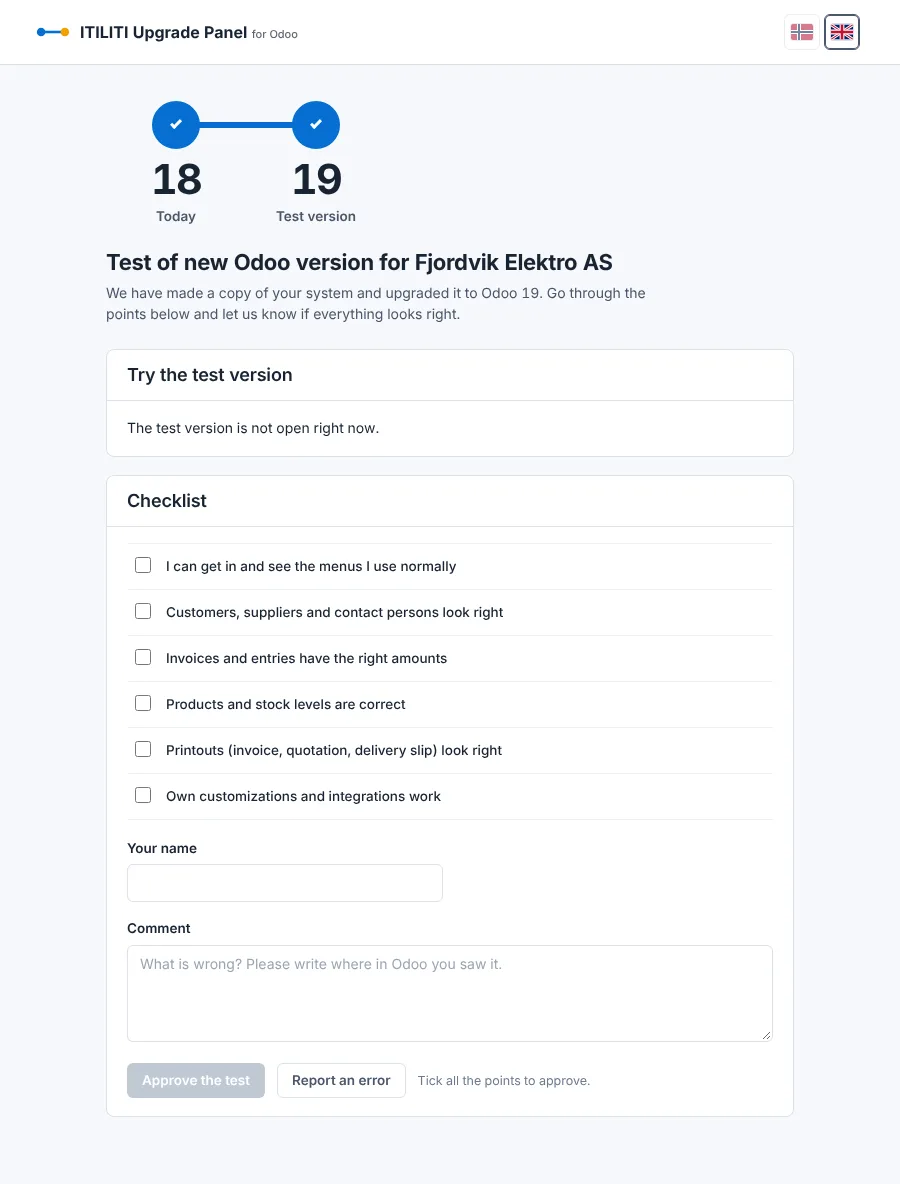
What the customer sees: the test instance, checks and the checklist.

Create customer link and send it to the customer. The customer needs no login, opens the test instance, goes through the checklist and presses Approve the test or Report an error. You get a notification, and the answer shows up under “Waiting for you”.