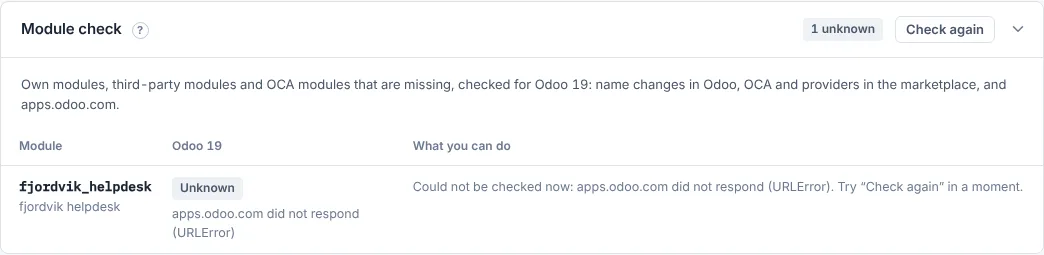
For each own module, third-party module and OCA module that is missing, the panel looks for a version that fits, in this order:
- Odoo itself: has the module been renamed or merged with another? Then nothing is needed.
- The customer's git repos: does the branch for the version (for example 19.0) have the module?
- OCA and the providers in the marketplace. “Add …” adds the repo to the customer's own modules.
- apps.odoo.com: only the module's own page, with price and license. OPL-1 modules give a warning to check the license.
The check starts by itself when you open the job, and the answers are stored for a week. “Check again” forces a new check.